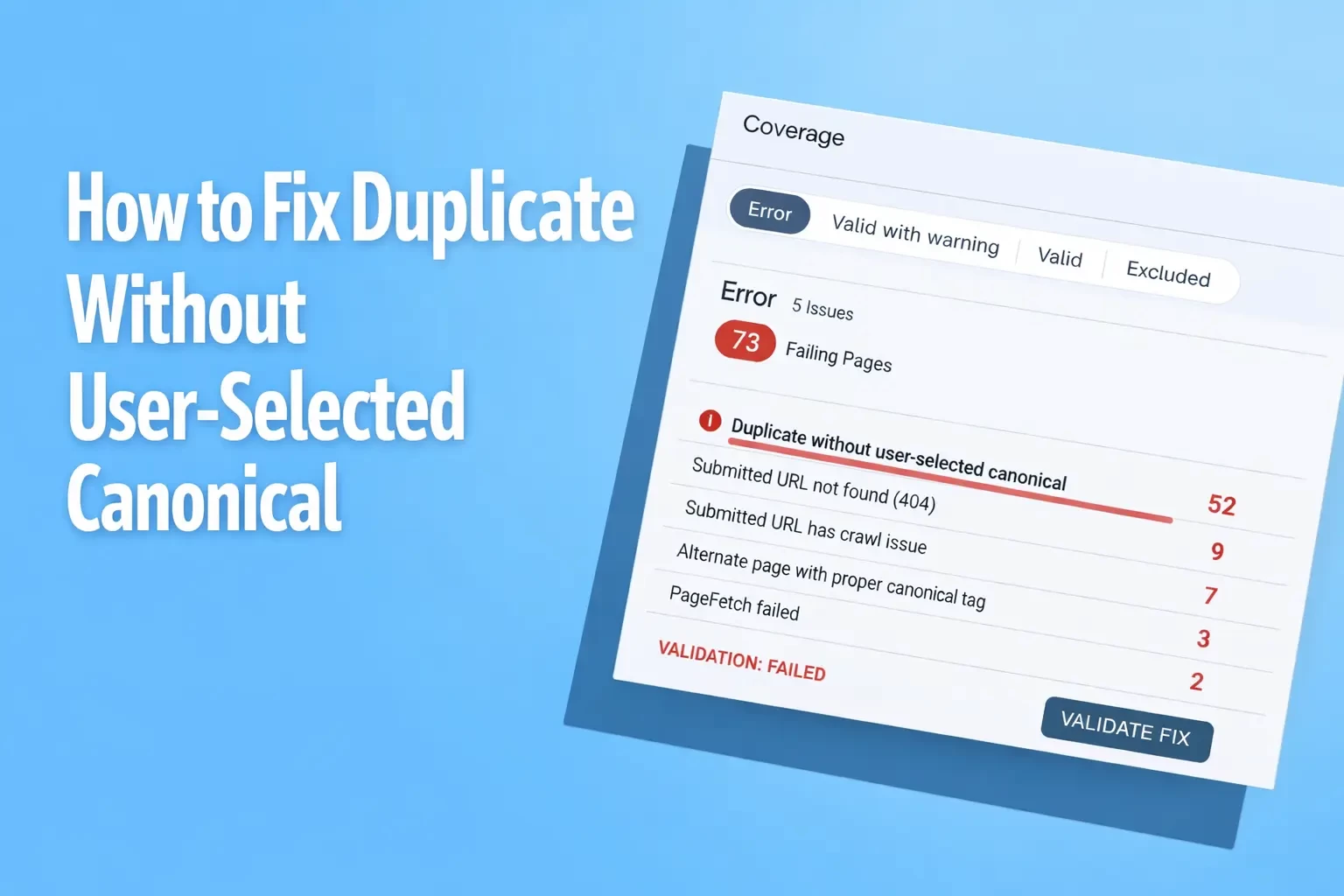
How to Fix “Duplicate Without User-Selected Canonical”
Eight years in SEO changes how you look at Search Console. What once felt like a maze soon becomes one of the most familiar digital spaces for an SEO analyst.
What I’ve understood in using Search Console is that it has a distinctive way of cutting through assumptions. Search Console strips down all the major elements, such as rankings, impressions, and indexing, to what Google actually understands about your website. While this may feel a bit harsh, it is also what makes Search Console reliable in its own uncomfortable way. In fact, It does not care about how a page was intended to be seen or how carefully a campaign was planned. It only reflects what Google has actually processed, grouped, and chosen to surface.
Apart from all the lessons I’ve learned in SEO, a simple but annoying truth that I’ve picked up is that Google does not care about your intentions. It cares about signals, and unless your website clearly defines those signals, Google will make its own decisions without waiting for permission.
This became more apparent when I came across the “Duplicate Without User-Selected Canonical” issue in Search Console. I have come across this issue repeatedly while auditing websites for SEO agencies in UK.
In this guide, we will go through what makes this issue appear, how Google is interpreting these duplicate URLs, and the practical steps needed to fix it so that a single, clear canonical version is consistently indexed.
What “Duplicate Without User-Selected Canonical” Actually Means
When Google crawls a website, it does not scan the webpage like a human does. Instead, the Google bots discover the multiple existing URLs that point to the same or very similar content.
This usually happens because of URL parameters, tracking codes from marketing campaigns, session IDs, print-friendly versions, or inconsistent internal linking structures that accidentally create alternate paths to the same page.
To manage this, Google relies on canonical signals. A canonical tag is meant to act like a clear instruction and state that the selected URL is the preferred version of the page and the only to be indexed.
The issue begins when that instruction is missing, unclear, or inconsistent across duplicates. In such cases, Google is left to interpret the relationship between these URLs on its own. It evaluates signals like internal links, page popularity, and crawl patterns, then selects what it believes is the most appropriate canonical version.
That is when Search Console shows the status: “Duplicate without user-selected canonical.” In simple terms, it means Google found duplicate pages, did not receive a clear preference from your side, and therefore made its own selection. The problem is that this chosen version is not always the one you would have intended to rank or represent the content.
Where to See This Issue in Google Search Console
If you are hunting for this problem, Google does not hide it much. Here’s how you can check this issue:
Step 1: Open Google Search Console and log into your property.
Step 2: Go to the pages section under Indexing Report and navigate to the indexing section in the left panel.
Step 3: Check the “Why pages aren’t indexed” Section and look for the “Duplicate without user-selected canonical” issue.
Step 4: Click for details and you can examine the URLs that Google has chosen not to index.
Step 5: Inspect a URL using “Inspect URL”. This will provide you with the information, such as referring page, last crawl date, indexing status, user-declared canonical and Google-selected canonical.
Checking this can allow you to find all the issues and fix them appropriately.
Why “Duplicate Without User-Selected Canonical” Issue Happens
This issue rarely appears out of nowhere and comes from repeatable technical patterns that quietly build up across a website over time. Once I started digging into it, the causes were usually more straightforward to trace than they first appeared. It is less about mystery and more about signals that were never clearly defined in the first place. The following are some of the major causes for this issue:
1. URL Variations Creating Duplicate Pages
This is the most common trigger I see during audits. The same page ends up existing in multiple URL formats, such as:
/services
/services/
/services?ref=facebook
/services?utm_source=email
To a user, the results may look all the same. But for a search engine like Google, each of these is treated as a separate URL unless a clear canonical is defined. Without that, Google starts selecting one URL based on its selection algorithm.
2. Tracking Parameters and Campaign URLs
Marketing campaigns often generate parameter-based URLs that multiply page versions. For example:
https://www.digitalagencies.uk/blog/xml-sitemap-errors-common-issues-and-solutions?utm_source=linkedin
https://www.digitalagencies.uk/blog/xml-sitemap-errors-common-issues-and-solutions?utm_source=google
Both lead to the same content, but Google may index only one or flag them as duplicates if canonical signals are weak. I’ve seen this often in audits for SEO agencies in UK managing multi-channel campaigns.
3. Missing or Incorrect Canonical Tags
In some cases, canonical tags exist but are not reliable. I’ve seen:
Self-referencing canonicals on parameter URLs
This happens when every URL, including filtered or tracking versions, declares itself as canonical instead of pointing to the clean version. For example:
URL in sitemap:
https://www.digitalagencies.uk/blog/xml-sitemap-errors?utm_source=linkedinCanonical tag on page:
https://www.digitalagencies.uk/blog/xml-sitemap-errors?utm_source=linkedin
Instead of pointing to the clean version, the page validates itself. Google sees multiple valid versions and cannot consolidate signals properly. This is a common mismatch pattern seen in sitemap audits where parameter URLs accidentally enter the index pipeline.
Canonicals pointing to non-preferred versions
This is where the canonical exists, but it is not pointing to the “main” page you actually want indexed. Here’s how it may happen:
Preferred URL:
https://www.digitalagencies.uk/blog/xml-sitemap-errorsCanonical incorrectly set to:
https://www.digitalagencies.uk/blog/xml-sitemap-errors?page=1
Google treats the parameter version as the preferred source, even if it is not the clean landing page. This creates a mismatch between sitemap submissions and canonical intent, weakening indexing clarity.
Missing tags on template-generated pages
This problem is especially common in CMS-driven blog or listing setups where pagination or filters automatically generate multiple URLs for the same content set. Here’s how they may generate the URLs:
https://example.com/blog/xml-sitemap-errors?page=2
https://example.com/blog/xml-sitemap-errors?page=3
When canonical tags are missing entirely, Google is left without a clear instruction on which version should be treated as the main page. It then relies on internal linking, sitemap entries, and crawl patterns to decide what to index.
In many cases, this results in secondary pages like paginated versions being treated as separate or duplicate entries, instead of being properly grouped under a single primary URL. Over time, this process weakens content consolidation and can dilute ranking signals across multiple versions of the same page.
To summarize, when the signal is unclear, Google tends to override it.
4. Internal Linking Inconsistencies
This is one of those issues that is often overlooked. I’ve seen cases where the same page is internally linked in multiple formats across a website, and that alone is enough to confuse Google.
Let’s take a blog page for example:
https://www.digitalagencies.uk/blog/xml-sitemap-errors
https://www.digitalagencies.uk/blog/xml-sitemap-errors/
Now imagine this:
The homepage links to: https://www.digitalagencies.uk/blog/xml-sitemap-errors
A blog listing page links to: https://www.digitalagencies.uk/blog/xml-sitemap-errors/
A footer link or related post section links to: https://www.digitalagencies.uk/blog/xml-sitemap-errors?ref=internal
All three URLs lead to the same content, but they are technically different versions. When internal links point to multiple variations like this, Google receives mixed signals about which version is actually the primary one. Even if a canonical tag exists, inconsistent internal linking can weaken its impact. Over time, Google may choose one version based on its own evaluation, which may not align with your intended canonical URL.
How to Fix “Duplicate Without User-Selected Canonical”
Fixing it is not complicated. What usually confuses people is not the technical side, but the lack of consistency in how URLs are handled across the site. Most websites already have the right pieces in place: canonical tags, sitemaps, and structured URLs. The problem is that these elements do not always work together. One page points to a clean URL, another links to a parameter version, and somewhere else a trailing slash variation slips in. Individually, these seem harmless. Collectively, they create just enough ambiguity for Google to step in and make its own call.
What I’ve learned over time is that this issue is rarely about adding something new. It is about tightening what already exists. Once canonical signals, internal links, and URL structures all consistently point to a single version, Google no longer has to interpret intent. It simply follows the strongest, most consistent signal available. I’ve compiled the steps to fix this issue below:
1. Set a Proper Canonical Tag
Every important page should clearly declare its preferred version.
Example (Homepage): <link rel="canonical" href="https://www.digitalagencies.uk/" />
Example (Blog page): <link rel="canonical" href="https://www.digitalagencies.uk/blog/xml-sitemap-errors" />
What usually goes wrong:
Canonical missing on parameter URLs like: ?utm_source=linkedin
Canonical pointing to itself on duplicate versions
Different templates generating inconsistent canonicals
To fix this, make sure every variation of a page points back to the clean, primary URL.
2. Standardize URL Structure
Pick a format and stop negotiating with it.
Example: Decide that this is your final version: https://www.digitalagencies.uk/blog/xml-sitemap-errors
Then make sure of all of these:
/blog/xml-sitemap-errors/
/blog/xml-sitemap-errors?ref=twitter
/blog/xml-sitemap-errors?utm_campaign=seo
redirect to that one clean version.
Common mistakes I see:
Both trailing slash and non-slash versions working
Parameter URLs accessible without restriction
HTTP and HTTPS both resolving
To fix this, use 301 redirects to force one version across the entire site. No duplicates should exist as live alternatives.
3. Fix Internal Linking
This is where most sites quietly sabotage themselves. You want everything to point to:
https://www.digitalagencies.uk/blog/xml-sitemap-errors
But in reality, links might look like this:
Blog card ? /blog/xml-sitemap-errors/
CTA ? /blog/xml-sitemap-errors?utm_source=homepage
Footer ? /blog/xml-sitemap-errors
The issue here is that your own site is telling Google multiple versions are valid.
Fix this issue by taking the following steps:
Update all internal links to the exact same URL format
Check:
navigation menus
blog listings
breadcrumbs
related posts
Remove tracking parameters from internal links entirely
Remember that internal linking is not just navigation. It is a ranking signal.
4. Control Parameter URLs
Parameters are useful for marketing. Google sees them as duplicate factories. This often looks like:
https://www.digitalagencies.uk/blog/xml-sitemap-errors?utm_source=linkedin
https://www.digitalagencies.uk/blog/xml-sitemap-errors?utm_medium=email
To fix this, you follow:
Add canonical pointing to: https://www.digitalagencies.uk/blog/xml-sitemap-errors
Avoid letting these URLs get indexed
Do not internally link to them
If you let parameter URLs roam free, Google will treat them as separate entities.
5. Clean Up XML Sitemap
Your sitemap should not be a dumping ground.
The correct entry should be as follows: https://www.digitalagencies.uk/blog/xml-sitemap-errors
What should NOT be there:
Parameter URLs
Duplicate versions
Pagination variants
If your sitemap includes messy URLs, you are literally submitting confusion to Google. Use the following fixes:
Only include canonical URLs
Keep it clean, minimal, and consistent
Re-submit after cleanup
6. Use Noindex Where Needed (What this actually means)
Not every page on your site is meant to rank. Some pages exist just for user experience or filtering content, not for search visibility. Example:
/blog?page=2 means page 2 of your blog
/search?q=seo means internal search results
/category/seo?sort=latest means sorted listings
These pages often
repeat similar content
don’t offer unique value
create multiple URL variations
So what happens if you leave them indexable?
Google crawls them, sees overlap with your main pages, and groups them as duplicates. Now instead of one strong page, you have multiple weak versions competing with each other.
That’s where the noindex tag comes in: <meta name="robots" content="noindex, follow">
This tells Google not to index this page but to follow the links on it. This implementation allows you to keep navigation intact but remove unnecessary pages from search results.
7. Validate in Search Console (Why this step matters)
After fixing canonicals, redirects, and internal links, you need to check one thing: Did Google actually accept your version?
Because here’s the annoying part. You can tell Google your preferred URL, but it still decides whether it agrees. For example:
You want this indexed: https://www.digitalagencies.uk/blog/xml-sitemap-errors
You inspect it in Search Console and see:
User-declared canonical: /blog/xml-sitemap-errors
Google-selected canonical: /blog/xml-sitemap-errors?ref=internal
Now you have a problem. Google still thinks another version is better, which usually happens because:
internal links point to the wrong version
redirects are missing
parameter URLs are still accessible
Best case: Both canonicals match, so your signals are strong
Worst case: They don’t match, which means Google is still ignoring your instructions
Controlling What Google Indexes, Instead of Guessing What It Picks
Over time, I’ve realized that “Duplicate Without User-Selected Canonical” is not really an error in the traditional sense. It is more of a reflection of how clearly, or poorly, a website communicates its structure to Google. When multiple versions of the same page exist without a strong, consistent signal, Google does what it is designed to do. It makes a decision.
The problem is not that Google is making the wrong choice. The problem is that the website never made the correct option obvious. In competitive environments, especially for businesses working with SEO agencies in UK, this kind of ambiguity can quietly hold back performance. You may have the right content, the right keywords, and even the right backlinks, but if those signals are split across multiple URL variations, the overall impact weakens.
What I’ve seen consistently is that resolving this issue does not require complex technical overhauls. It comes down to discipline. Keeping canonical tags accurate, maintaining clean internal linking, avoiding unnecessary URL variations, and making sure that every signal across the site points to a single, consistent version.
Once that clarity is in place, things start to align naturally. Google no longer has to interpret intent or make assumptions. It simply follows the strongest signal available and indexes the version you actually want to rank!
Related Blog